Key Points
Which Biometric Device Should Your Gas Agency Use?
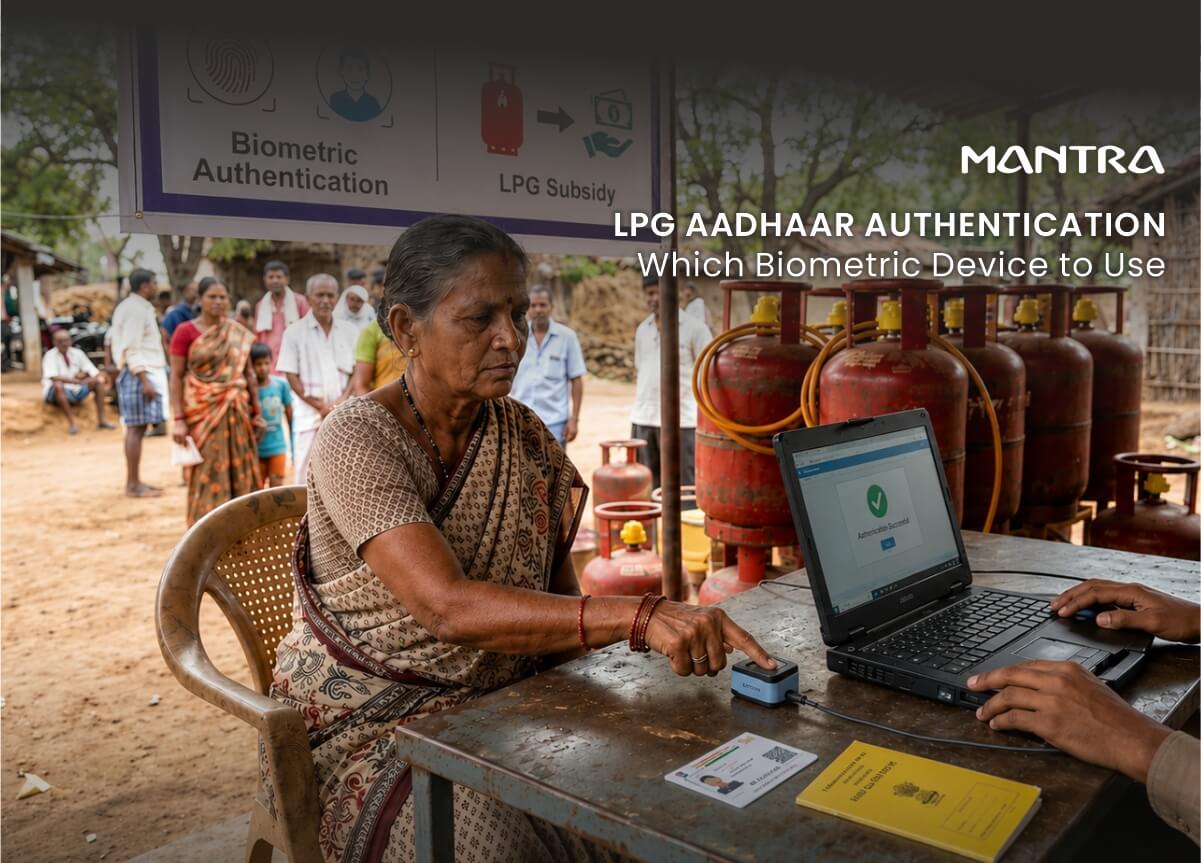
For in-person Biometric Aadhaar Authentication at your gas agency counter, you should use a UIDAI L1-certified fingerprint scanner – such as the Mantra MFS110 L1 – as your primary device. Because UIDAI has phased out older Level 0 (L0) scanners like the MFS100 in favour of hardware-encrypted Level 1 (L1) devices, an L1-certified Registered Device (RD) is now essential for seamless eKYC across Indane, Bharatgas, and HP Gas distributor systems.
To prevent walk-in rejections when a consumer’s fingerprints fail to match – which commonly happens with senior citizens, manual labourers, and agricultural workers – your agency should also keep an STQC-certified single iris scanner, such as the Mantra MIS100V2, as a secondary counter device. Having both fingerprint and iris options ensures that walk-in beneficiaries who cannot complete smartphone authentication can finish their eKYC in a single visit.
If your agency staff or delivery personnel assist consumers with face authentication, no separate biometric hardware is needed. Face-based verification runs directly on a compatible Android or iOS smartphone camera using the respective OMC mobile app (IndianOil ONE for Indane, HelloBPCL for Bharatgas, or HP PAY for HP Gas) together with UIDAI’s AadhaarFaceRD app, both of which are officially available on Google Play and the Apple App Store.
Why L1 Biometric Compliance Matters for LPG Distributors
Under UIDAI’s Registered Device (RD) framework, older L0 scanners relied on the host computer or phone operating system for biometric encryption and key storage. In UIDAI Circular F. No. HQ-13021/1/2021-AUTH-I HQ (Comp. No. 16262), dated March 25, 2025, UIDAI confirmed that whitelisting of new L0 fingerprint devices stopped on October 1, 2024, set the final extended sunset date for valid L0 fingerprint devices at June 30, 2025 (with model-specific hotlisting dates in Annexure A – including June 1, 2025 for the Mantra MFS100), and introduced additional charges on L0 transactions from July 1, 2025.
An L1 device such as the Mantra MFS110 L1 addresses these vulnerabilities by performing key management, biometric signing, and encryption inside secure hardware within the device itself before any data reaches your counter computer. Upgrading to an L1 device keeps your agency counter compliant with UIDAI’s current authentication ecosystem and avoids transaction blocks during customer verification.
Choosing the Right Setup for Your Agency Counter
Each authentication mode serves a specific operational role inside an LPG distributorship:
Mantra MFS110 L1 Fingerprint Scanner
Designed for busy agency counters, the Mantra MFS110 L1 features a 500 DPI (± 2%) scratch-free optical sensor in an IP54-rated enclosure and connects via USB 2.0 to Windows PCs and Android devices (via OTG). It holds STQC L1 and FBI PIV certifications, captures fingerprints in under 2 seconds with auto-capture quality checks, and includes a default 1-year RD Service subscription and 1-year warranty.
Mantra MIS100V2 Iris Scanner
Following UIDAI’s exception-handling guidance to provide an alternate biometric modality when fingerprints fail, the Mantra MIS100V2 gives your agency counter an instant iris fallback wherever your OMC distributor portal supports iris capture. This STQC-certified USB 2.0 single iris scanner captures iris images in under 2 seconds with built-in distance-sensing LEDs and includes a default 1-year RD Service subscription and 1-year warranty.
Smartphone Face Authentication
For walk-in customers carrying smartphones or for doorstep verification by delivery staff, face authentication requires zero additional hardware. Consumers simply install UIDAI’s AadhaarFaceRD app alongside IndianOil ONE, HelloBPCL, or HP PAY on Android or iOS and complete the prompt on screen.
How to Set Up and Register Your Biometric Device
Before authenticating consumers at your agency counter, complete these three technical setup steps:
Install the Official Drivers and L1 RD Service
On your agency counter’s Windows PC (Windows 10 and above) or Android device, download and install the official MFS110 L1 driver and MFS110 L1 RD Service – or the MIS100V2 driver and RD Service for iris – from Mantra’s official download portal or Google Play. Do not use legacy MFS100 L0 drivers with L1 hardware.
Verify Active RD Service Validity
Confirm that your device’s Registered Device subscription is active and whitelisted via Mantra’s RD Service portal (servico.mantratecapp.com). An expired RD subscription will block Aadhaar authentication calls even if the USB device lights up.
Register the Device Serial Number on Your OMC Portal
Register the biometric device’s make, model, and serial number in your OMC distributor software before going live – for instance, under Partner Relationship > Installed Assets in IndianOil’s SDMS, followed by Field Officer approval where required.
Comments